
Add a member
In Settings, open the Team tab and press Add a team member. They get a link to activate their account, then appear in your team.
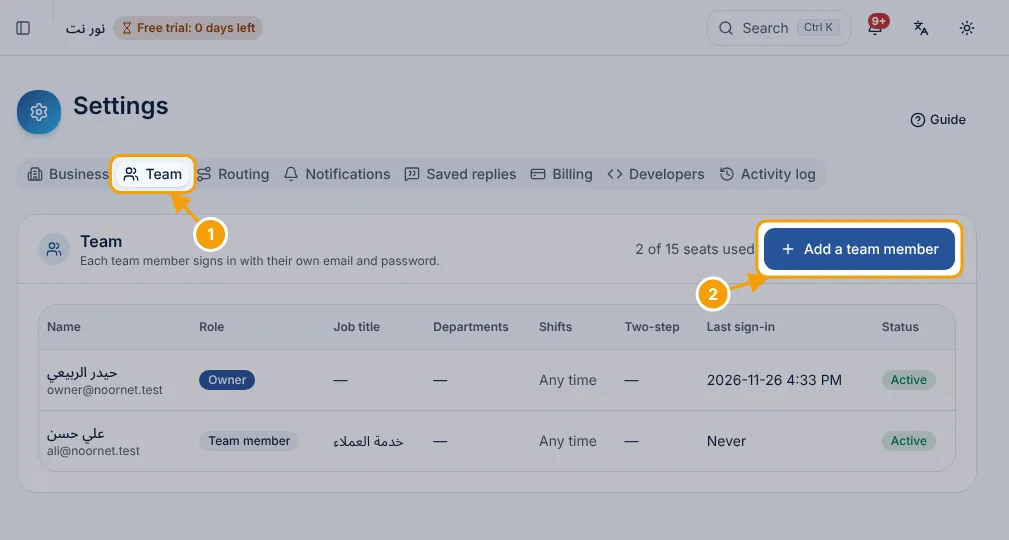
- Team
- Add a team member
Roles
- Owner: everything, billing included.
- Admin: everything except billing.
- Editor: changes the assistant and knowledge, and replies to customers.
- Team member: replies to customers in the inbox and sees their details.
Sharing out and alerts
In the Routing tab you set how conversations are shared out and each member's working hours. In Notifications you choose browser alerts and the daily summary on WhatsApp.
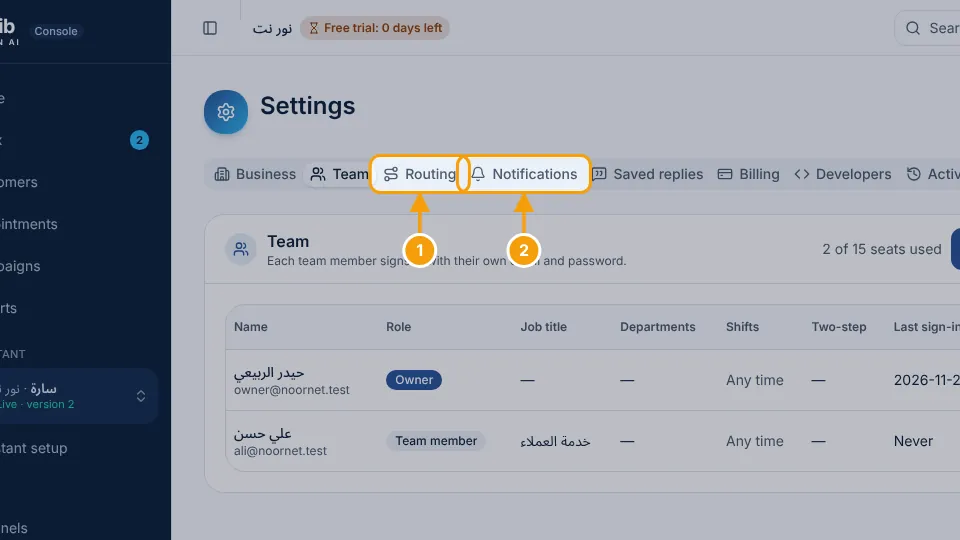
- Routing
- Notifications