What you can add
Press Add knowledge and pick the kind:
- Upload files: a guide, a price list, your terms.
- Website link: a page of your website, or all of it.
- Question and answer: a common customer question with its answer.
- Write text: opening hours, policies, offers.
For packages, products or courses use the Data tables tab: Mujib answers prices and details from it exactly.
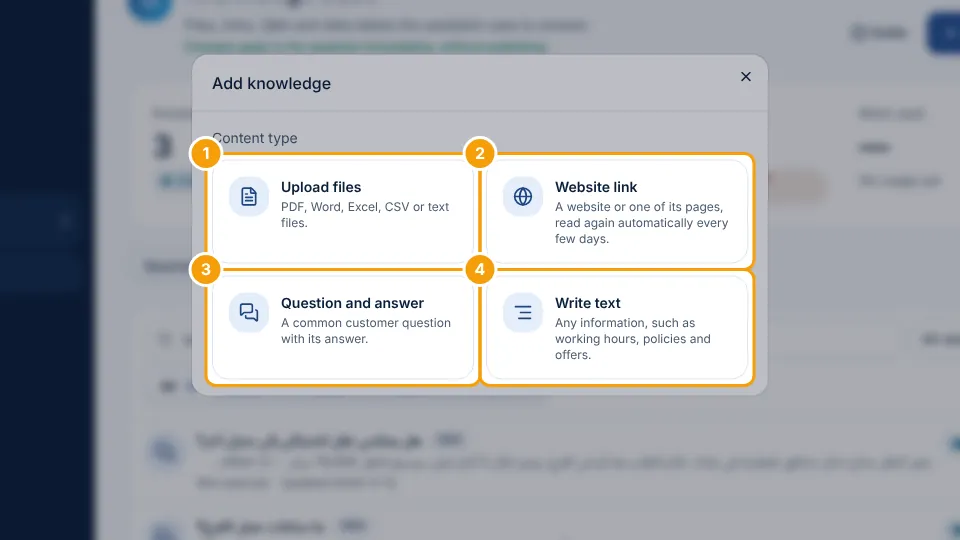
- Upload files
- Website link
- Question and answer
- Write text
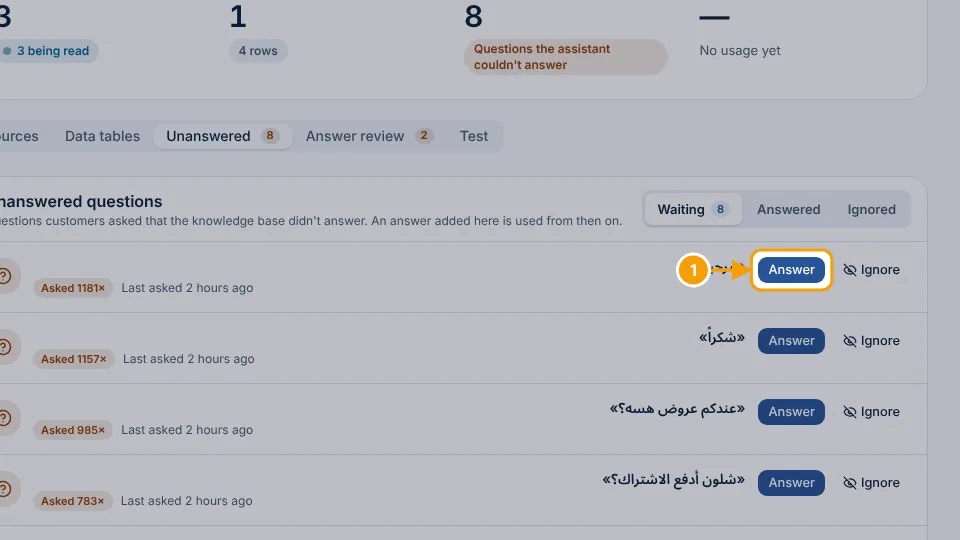
Unanswered questions
Every question Mujib had no answer for shows up under Unanswered, with how many people asked it. Press Answer and write it: it becomes a question and answer in your knowledge.
Answer review
Every Monday Mujib reviews the week's replies and lists the few that were probably wrong under Answer review. Press Correct the answer and write the right one, or The answer is fine if nothing was wrong.
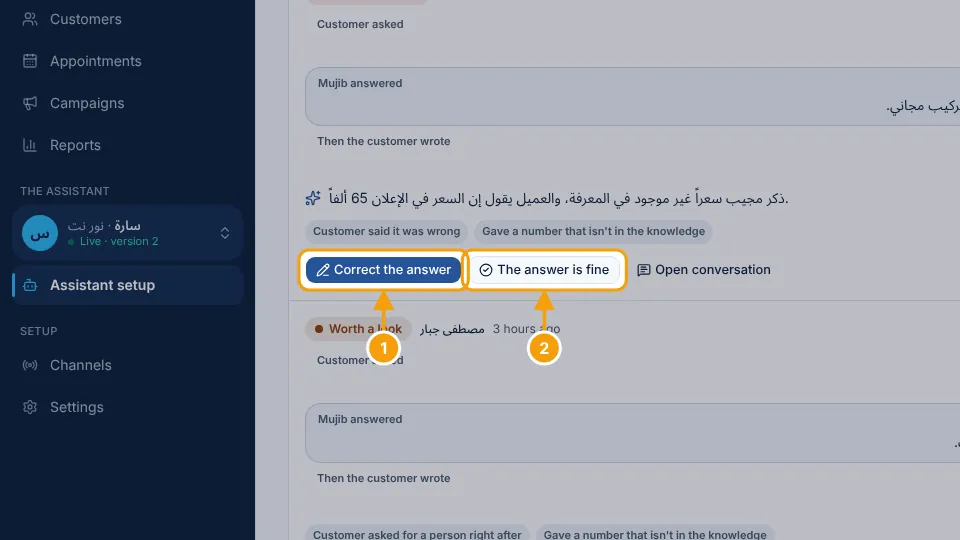
- Correct the answer
- The answer is fine
Test before you rely on it
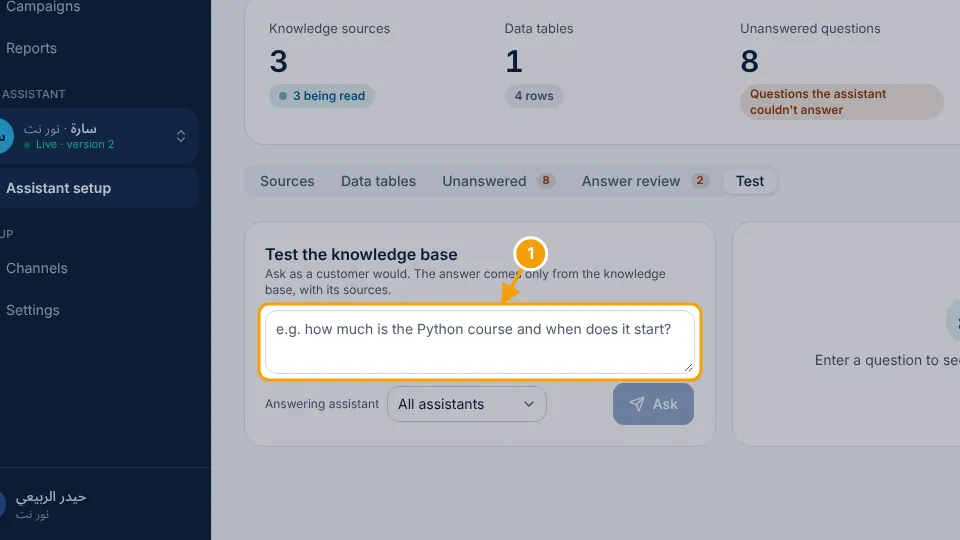
In the Test tab, write a question and see which part of your knowledge Mujib would answer from.