Create your assistant
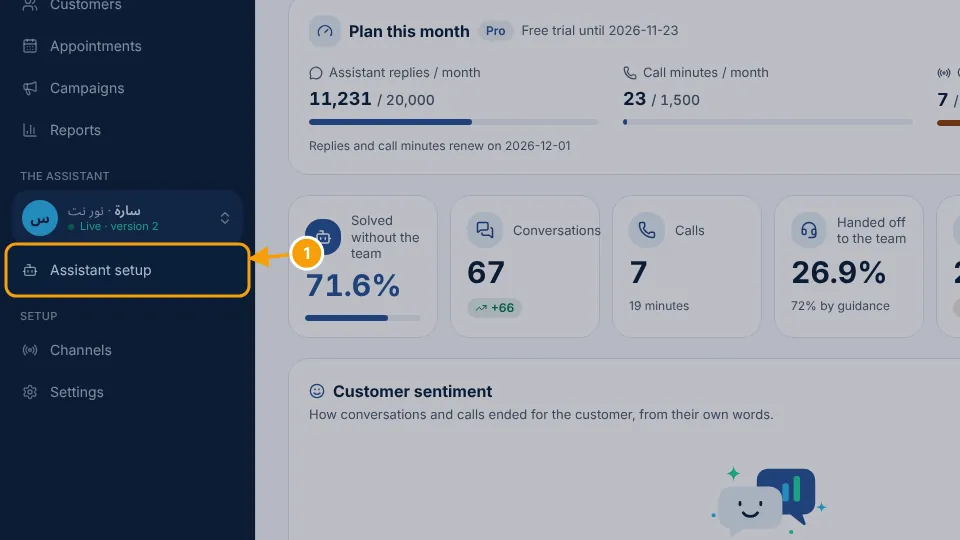
After you sign up, Mujib asks about your business and sets up a first assistant for you. Everything about it is under Assistant setup in the side menu.
Teach it about your business
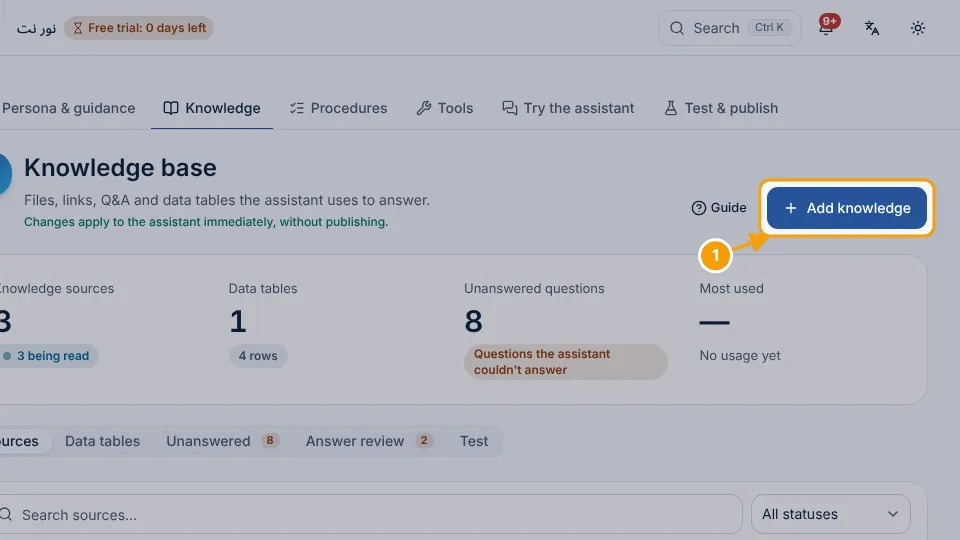
Open Knowledge and press Add knowledge: a file, your website's link, a question and answer, or text you write. Mujib reads what you add within seconds.
Try it before your customers do
In Try the assistant, write the way your customer would, press send, and see the reply and where it came from. Nothing in a trial reaches a customer.
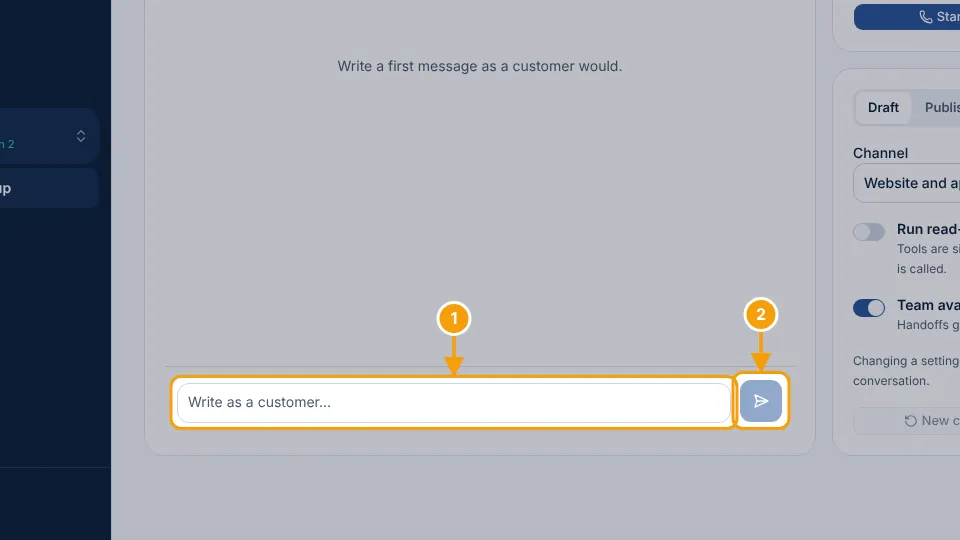
- Write the way a customer would
- Send
Publish
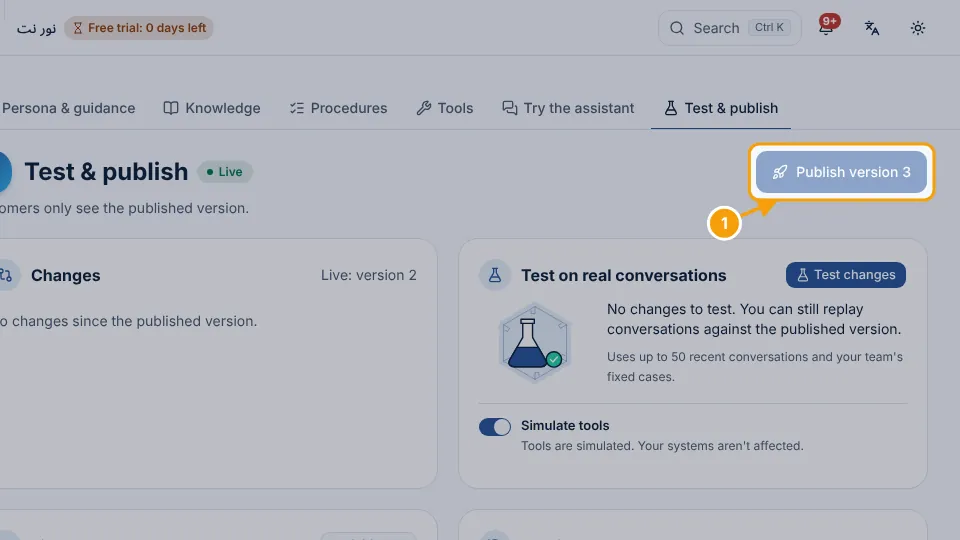
In Test & publish, press Publish. Later changes to the persona and procedures stay a draft until you publish them; knowledge applies at once.
Connect a channel
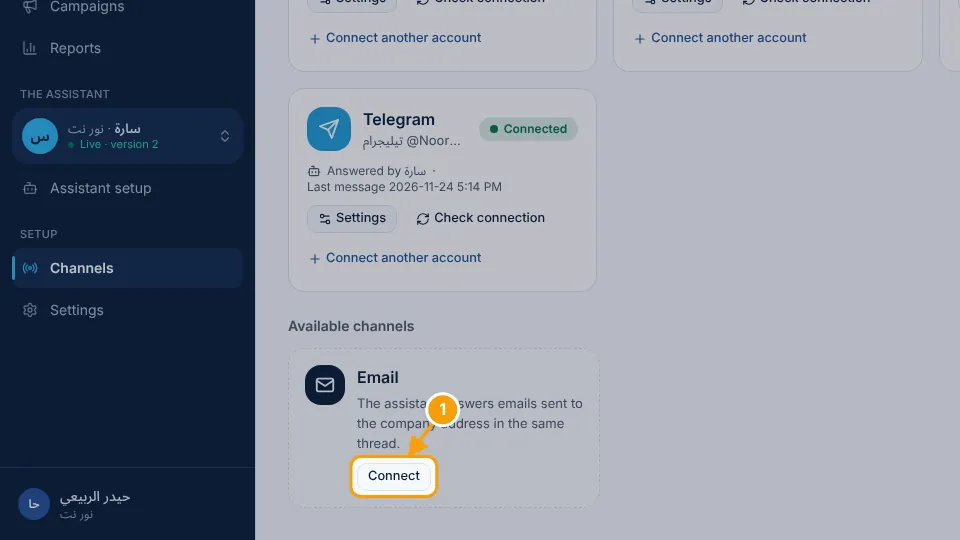
Open Channels and, under Available channels, press Connect on the one you want: WhatsApp, Messenger, Instagram, Telegram or email. From then on Mujib answers your customers there.